








The 10-Star Experience
AI clip maker for long videos
Upload one file, get scored vertical clips with word-by-word captions.
 SCORE85
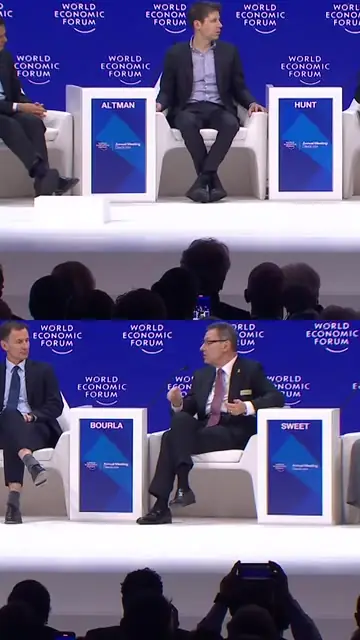 SCORE80
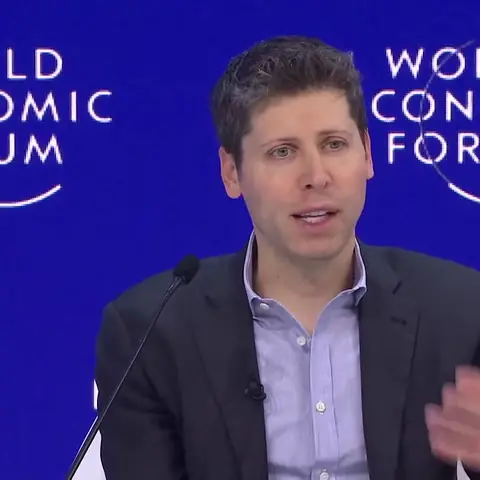 SCORE85
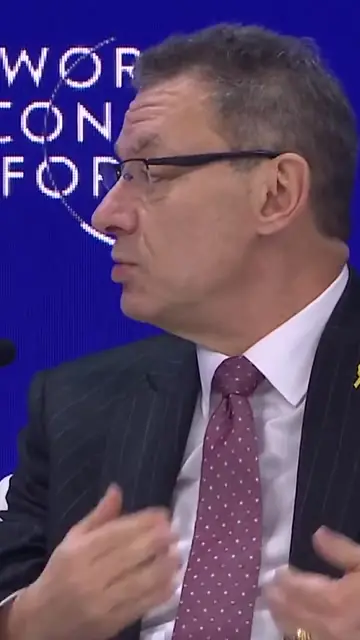 SCORE80
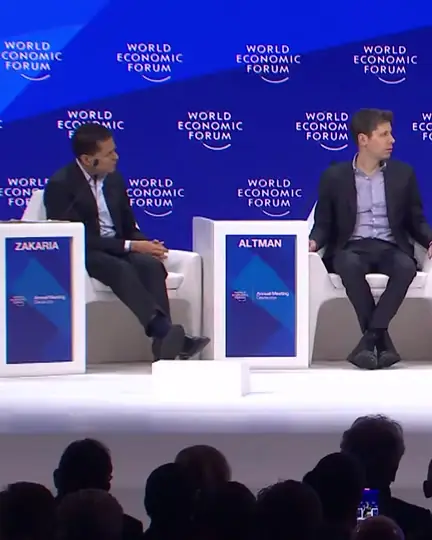 SCORE80
 SCORE85
 51:27
See what the AI clipper picked
8 real videos in, 15 clips out — unedited, with the score and reason for each.
Three of these are the lines people already quote from the original videos, and the AI ranked each one first.
The Cereal Entrepreneurs
The Last Mover Advantage
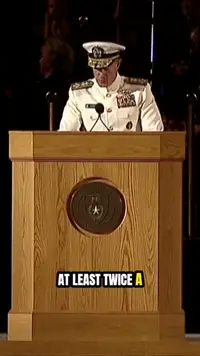
The Power of Making Your Bed
Focus on 100 People Who Love You
Singing in the Mud
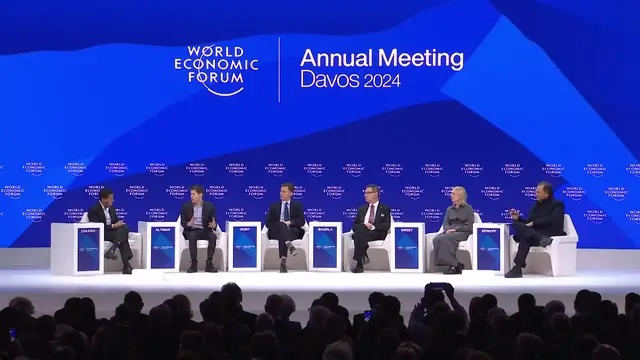
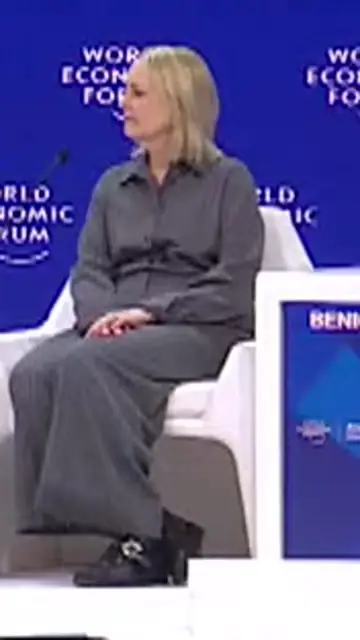
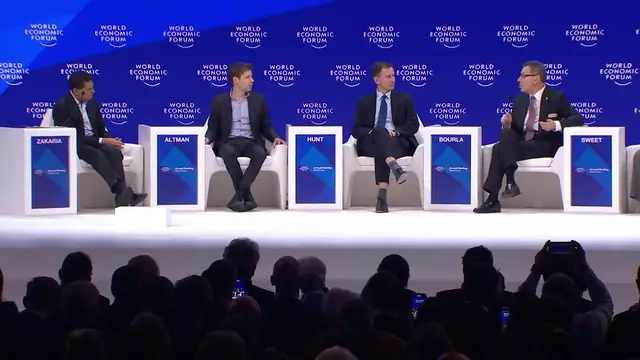
The Real Benchmark for AGI
The Threat of Synthetic Content Sprawl
Why Humans Still Value Humans
Winner-Take-All Markets
Being Your Best in the Dark
Why TiVo Failed
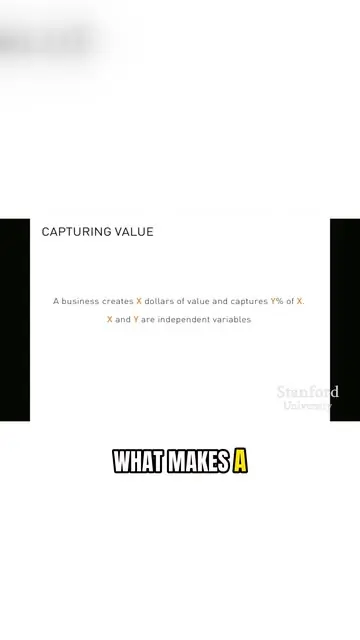
Creating Value vs. Capturing Value
The NVIDIA Incident
Slide Down Head First
Every clip tells you why it was picked
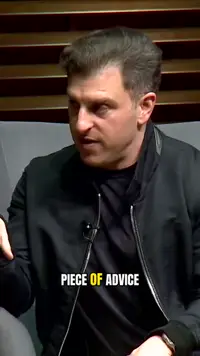
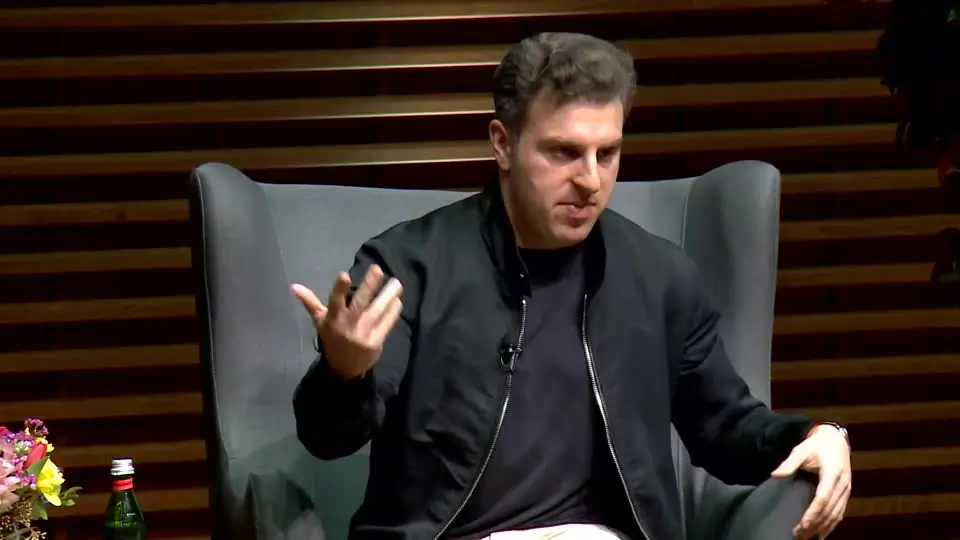
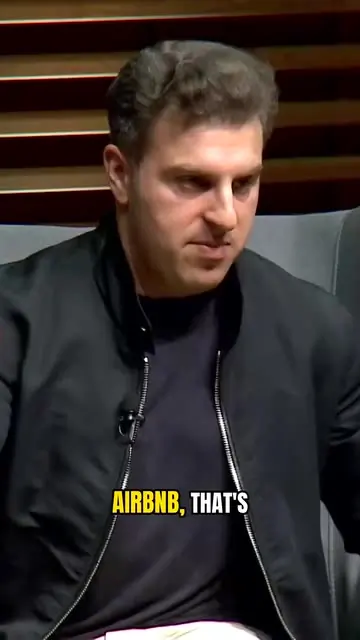
The 10-Star Experience
“you know, when you go on Airbnb, that's also true uber like a five star mostly means like…”
98
Brian Chesky explains how Airbnb's exaggerated star-rated experiences show how to reverse-engineer a product that people love.
What the AI clipper does with your video
You upload one recording and the clip generator reads the full transcript, keeps complete thoughts instead of cutting mid-sentence, frames the person speaking and leaves the final call to you.
A score and a reason for every clip
Each clip is a complete thought, scored on its hook, flow and value, with one line on why it was picked.
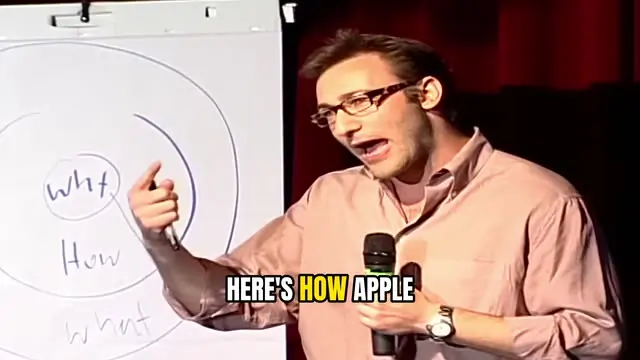

Framing that follows the speaker
The frame stays on whoever is talking. Resize a clip for Instagram, LinkedIn, X or YouTube, or move the window yourself.
Word-by-word captions you can edit
Captions light up as each word is spoken. Fix any word, pick one of three styles, or turn them off.
Trim, preview and export as MP4
Drag the start and end, watch the cut, and download an MP4 sized for where you post.
Not sure whether you need a plain cutter or an AI tool? See how the video clipper decides where to cut.
How to use the AI clip maker on a long video
Three steps, no timeline to scrub.
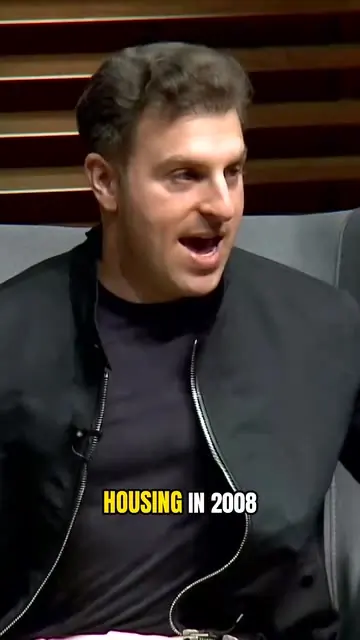
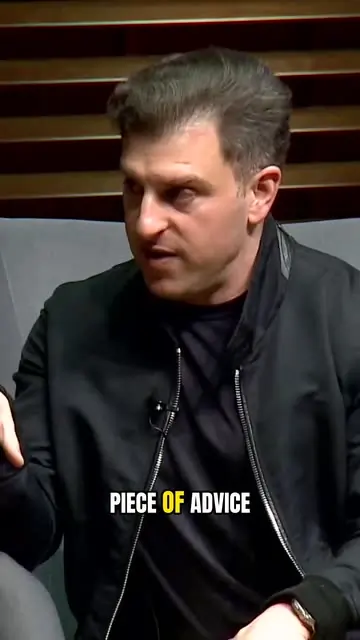
Upload an MP4
Up to 2 hours. The AI clipping tool reads the whole transcript before cutting anything.
Review the picks
Each clip has a score and a reason, so you decide fast.
Trim, fix captions and export
Adjust the cut, correct any word, choose a size and download.
Working with something long? See how long video to shorts works end to end.
Use it for podcasts, interviews, talks and lessons
If people talk in your video, Pogclip works as an automatic clip maker: it finds the parts worth posting and turns them into vertical clips.
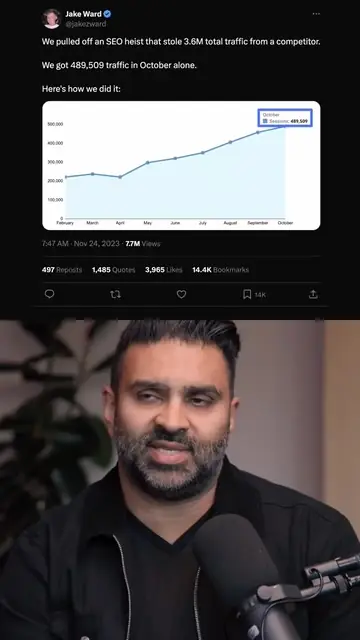
Podcasts
Use Pogclip as a podcast clip maker: upload a full episode and get podcast clips for TikTok, Reels and Shorts.
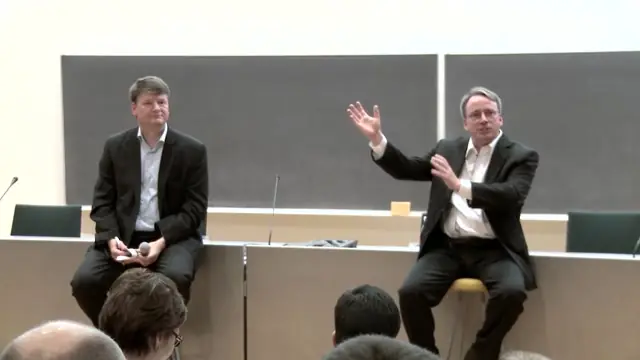
Interviews
Pogclip looks for answers that make sense without the question before them, and frames whoever is speaking.
Talks and panels
Turn a keynote, panel or webinar into short clips that each carry one idea, with captions people can read on mute.

Lessons and courses
Cut a lesson or explainer into clips that each teach one point, an easy way to promote a course or a channel.
Which videos work best
Works well
- Interviews and podcasts, solo or with guests
- Talks, keynotes and panels
- Lessons, explainers and Q&As
- English speech, horizontal or vertical MP4
Not a good fit
- Music videos and performances
- Gameplay and sports footage
- Videos without speech
- Languages other than English, for now
For the best picks, upload the full recording with clear audio and one person speaking at a time where you can. Pogclip works from the transcript, so clean speech gives better captions and cleaner cuts.
Start free, then pay by the minute
Your first video is free, up to 60 minutes. Failed processing costs nothing, and editing and exporting are included.
Free
$0 one time
Try it on one of your videos.
- One video up to 60 min
- One export, watermarked
- No card required
Creator
$19 per month
For a weekly show or channel.
- 300 minutes every month
- No watermark
- Cancel anytime
Studio
$49 per month
For teams publishing daily.
- 1,000 minutes every month
- No watermark
- Cancel anytime
Minute pack
$12 one time
Top up without a subscription.
- 100 minutes
- No watermark
- Doesn’t renew
Frequently asked questions
Is this AI clip maker free?
Your first video is free: one video up to 60 minutes and one watermarked export, with no card needed. After that you pay for the minutes you upload. Editing and exporting are always included.
What videos work best?
Spoken-word videos in English: interviews, podcasts, talks and lessons. Music, gameplay and footage without speech won’t give good picks.
Can I paste a YouTube link?
Not yet. For now, upload the video as an MP4 file, ideally one you own or have permission to use. Importing from a YouTube link is in development.
Can I make podcast clips for TikTok, Reels and Shorts?
Yes. Clips export as vertical MP4 files with captions for TikTok, Instagram Reels and YouTube Shorts. Pogclip doesn’t post for you: download the MP4 and upload it wherever you publish.
Can I resize clips for Instagram, LinkedIn and YouTube?
Clips come out vertical for TikTok, Reels and Shorts, framed on the person speaking. You can resize any clip for the Instagram or Facebook feed, LinkedIn and X, or YouTube, or keep the original frame.
How is Pogclip different from other AI clip makers?
Like any AI clipping tool, Pogclip cuts long videos into short clips. The difference is that it is built for conversation: it reads the whole transcript so a clip keeps a complete thought, tells you why each clip was picked, and frames the person who is talking. It isn’t made for gameplay, music or videos without speech.
How many clips will I get?
It depends on the video. Pogclip only suggests moments that stand on their own, so some videos get a few and some get none.
What does the score mean?
How well a clip works without the rest of the video, based on its hook, flow and value. It is not a prediction of views.
Can I edit the clips?
Yes. Adjust the start and end, fix caption text, turn captions off or pick one of three styles, then export an MP4.
How are minutes counted?
By the length of the video you process, or of the part you choose, rounded up to the next minute. Failed processing costs nothing, and editing and exporting are included.
Who can see my videos?
Only you. Projects and exports are private and never appear in search results.
Turn your next long video into clips
Your first one is free, up to 60 minutes.