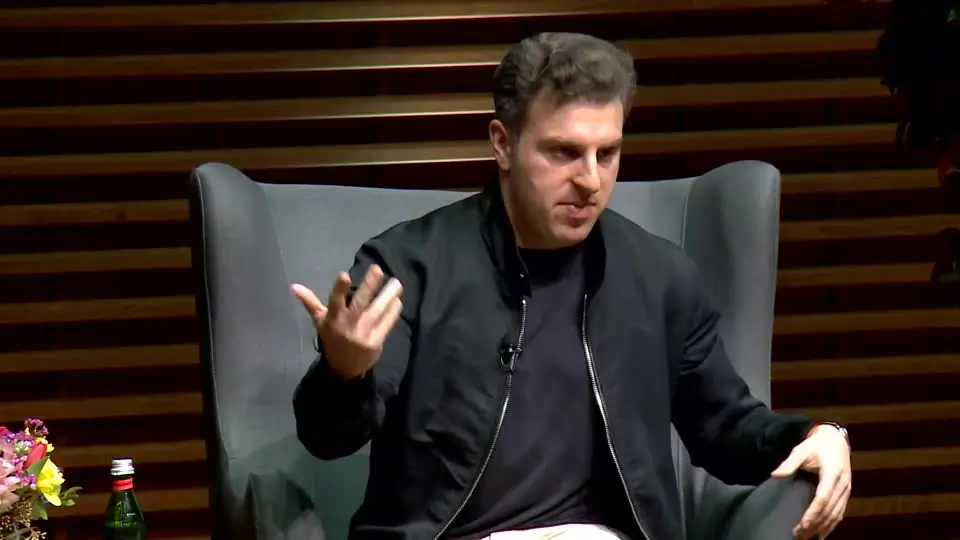

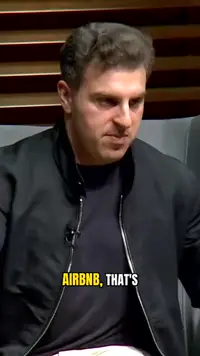

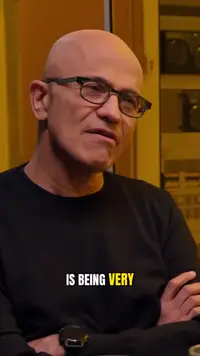









Starts at 15:17 of 55:29
The 10-Star Experience
Brian Chesky explains how Airbnb’s exaggerated star-rated experiences show how to reverse-engineer a product that people love.
Upload a long interview, podcast or talk. Pogclip reads the whole transcript and hands back vertical shorts with captions, each scored with the reason it was picked.
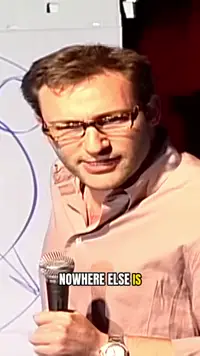
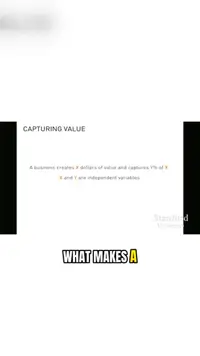
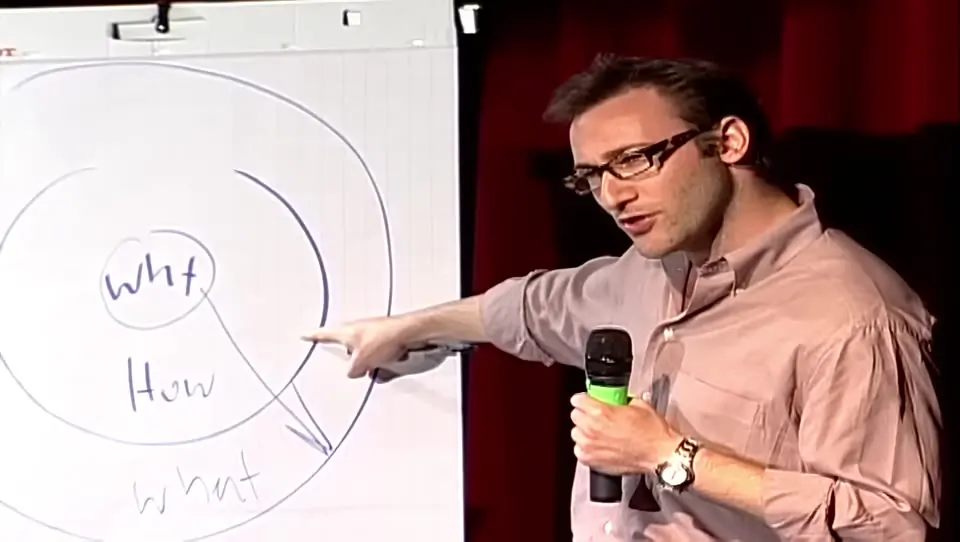
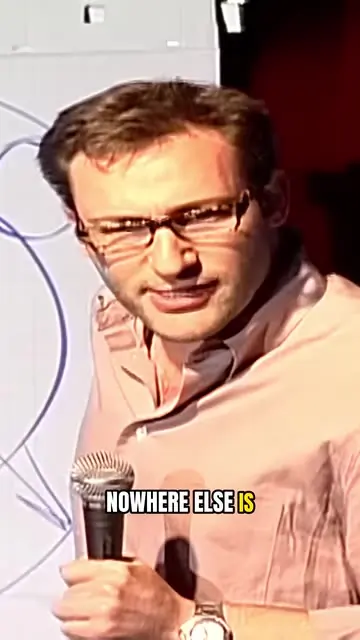
Above: Simon Sinek’s TED talk, 18:35 long, and the 4 clips Pogclip returned from it, placed where they start in the talk.
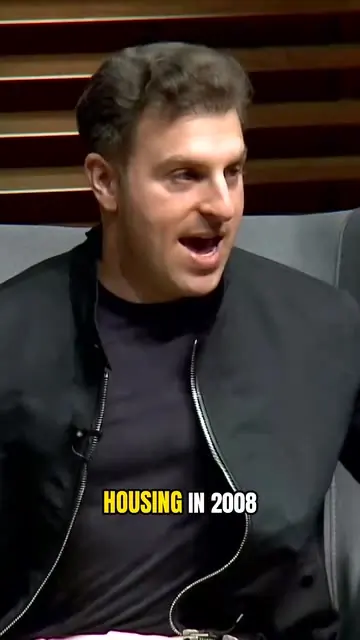
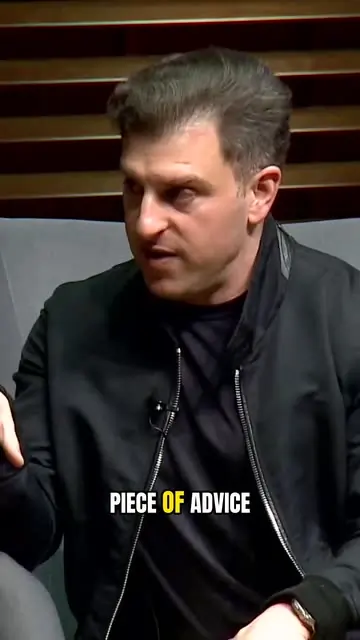
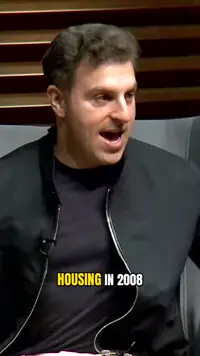
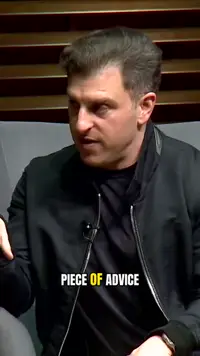
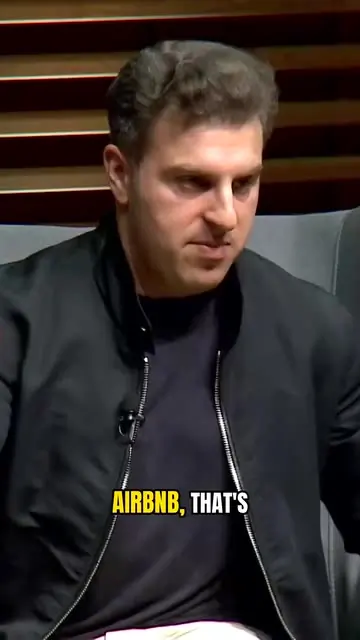
When you turn a long video to shorts, you get finished vertical clips that make sense on their own, each with a score out of 100 and a one-line reason. These three are from the 8 clips Brian Chesky’s 55:29 interview at Stanford GSB returned, taken from early, middle and late in the talk.
Starts at 15:17 of 55:29
Brian Chesky explains how Airbnb’s exaggerated star-rated experiences show how to reverse-engineer a product that people love.
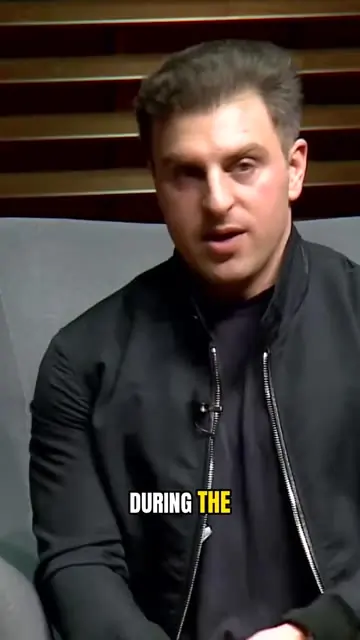
Starts at 40:37 of 55:29
Shares why the loneliest people in America turn out to be teenagers, and why he thinks modern life is making people lonely.
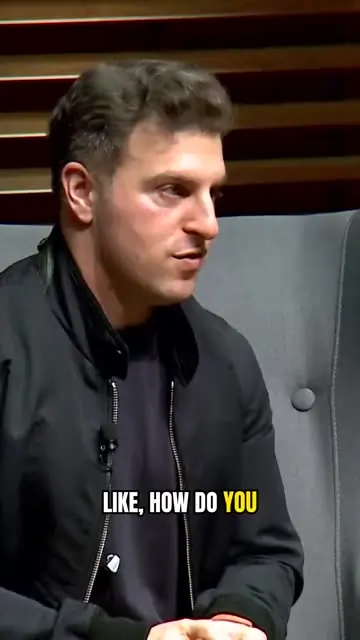
Starts at 51:04 of 55:29
Tells would-be founders to skip the business plan, start making something, and solve their own problem first.
They start at 15:17, 40:37 and 51:04. Pogclip reads the full transcript before it picks anything, so a moment near the end of your recording gets the same attention as one near the start.
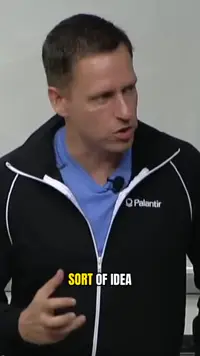
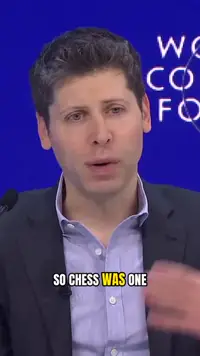
When you cut a long video to short clips, the number of clips follows how many moments make sense on their own, not the length, and Pogclip never pads the list. Peter Thiel’s 50:16 lecture “Competition is for Losers” returned 12 clips, while a 51:27 Davos 2024 panel discussion with several speakers, “Technology in a Turbulent World”, returned 2. You pay 1 credit per minute of the part you choose, charged once your clips are ready and never per clip, so they cost almost the same: 51 and 52 credits.
When you cut a video into shorts with Pogclip, you get moments that stand on their own, and you don’t pay for the parts you skip or the files you export.
Pogclip transcribes your recording and reads the whole transcript before it picks anything, so a moment near the end gets the same attention as one near the start.
Set a start and end time and you spend 1 credit per minute of that part, rounded up and charged once your clips are ready.
Every clip exports in 9:16, 4:5, 1:1 and 16:9, and exporting, changing sizes or downloading SRT, VTT and TXT files costs nothing extra.
You can convert a long video to shorts in three steps.
Drop in an MP4 up to 2 hours and 10 GB, horizontal or vertical, or paste a YouTube link. If you only need part of it, set a start and end time before processing.
Pogclip transcribes the video, reads it from start to finish and returns the moments that stand on their own, best first, each with a score and a reason.
Move the start and end, correct the captions, change the framing if you need to, then download a vertical MP4.
Every clip comes back ranked best first, with a score out of 100 and a one-line reason, and the list is never padded to hit a number. Each pick is still a suggestion: skip it, trim it, or reframe it in the editor, where you can switch to Split, Screen + face for slides above the speaker, or Fit to show the whole frame.
Long recordings fail in a few predictable ways. Here is each one, and what to do about it.
Each file can be up to 2 hours. Split a longer recording into parts, such as each half of a long stream, and upload them one by one.
Export the recording again as a 1080p H.264 MP4. At a typical 1080p bitrate, a 2-hour video fits under 10 GB, and Pogclip’s vertical clips don’t need more than that.
Picks and captions work for speech in English, Spanish, Portuguese, French, German and Italian. Other languages aren’t supported yet, so results will be poor.
Framing follows faces. When the slides carry the point, switch the clip to Screen + face or Fit so nothing important is cropped out.
When two people share one shot, Pogclip stacks them, one above the other, in the Split layout. With more people on screen, it frames whoever is talking when it can tell and keeps the wider shot when it can’t.
Clips are cut from the transcript. Music under the voices or people talking over each other make the words and cut points less accurate, so upload the cleanest audio mix you have.
Before you upload, use the full recording rather than a rough cut, with the clearest audio track you have. If only one segment matters, such as the Q&A at the end of a talk, set the start and end time instead of cutting the file yourself: it is faster, and you only pay for the part you choose.
Up to 2 hours and 10 GB per MP4, or a YouTube link of the same length. The Free plan gives you 60 credits that reset each month, one per minute of video, so with a file longer than an hour, choose a part that fits your credits.
Yes. After you upload, set a start and end time. Pogclip only reads and clips that part, and only that part counts toward your credits.
Split it into parts of 2 hours or less and upload each part as its own project. Pogclip checks the length as soon as you choose the file, so you won’t upload a file it can’t process.
One credit per minute of the part you choose, rounded up, and a failed run costs nothing. Exporting, changing sizes and downloading caption files cost nothing either. Free resets to 60 credits each month, which covers a recording up to an hour; a 76:55 recording is 77 credits, and Creator’s 300 covers about four recordings that long. Plans and credit packs are on the pricing page.
There’s no guaranteed number. The count follows how many moments make sense on their own, not the length, and Pogclip never pads the list: two recordings of about 50 minutes, a lecture and a panel, gave 12 clips and 2.
On Auto, Pogclip sets each clip’s length to fit what is being said; sample clips run from 12 seconds to about three and a half minutes. If you want a set range, choose under 30 seconds, 30 to 60 seconds or 60 to 90 seconds before processing.
Yes. Captions are burned into the MP4 by default, and you can turn them off before you export. You can also download each clip’s captions as SRT, VTT or TXT at no extra cost.
When one person is on screen, Pogclip frames them; when two share a shot, it stacks them one above the other. With more people, it frames whoever is talking when it can tell and keeps the wider shot when it can’t. You can switch any clip to Split, Screen + face or Fit in the editor.
Start with 60 free credits every month. No card needed.
Shorter video, or want the full picture? See the AI clip maker