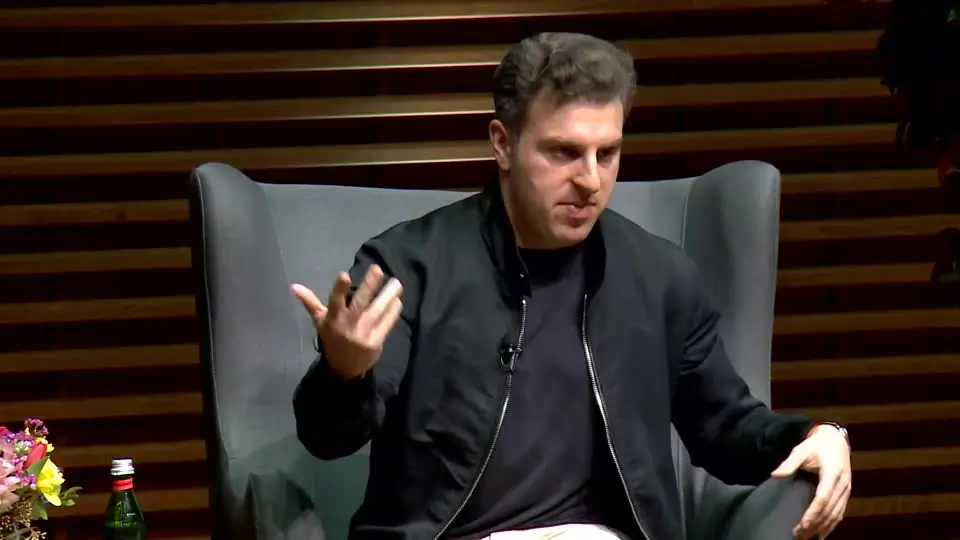












Starts at 28:36 of 33:35
Understanding Suit Quality: Machine vs. Handwork
Explains the difference between machine-made and handmade suits with a piano analogy for music producers.
Upload an episode up to 2 hours long and get back the moments a stranger could follow, scored, captioned and cut into vertical podcast shorts. This AI podcast clip generator reads the whole transcript, so a clip starts on the line that makes it work.
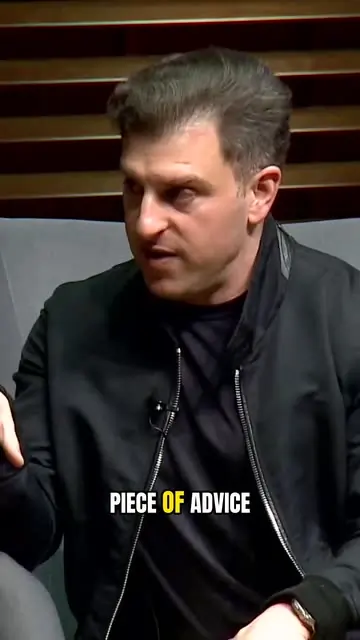
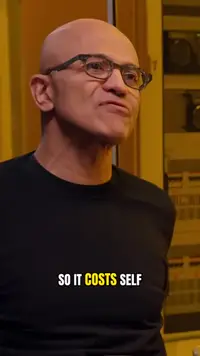
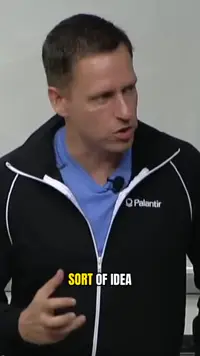
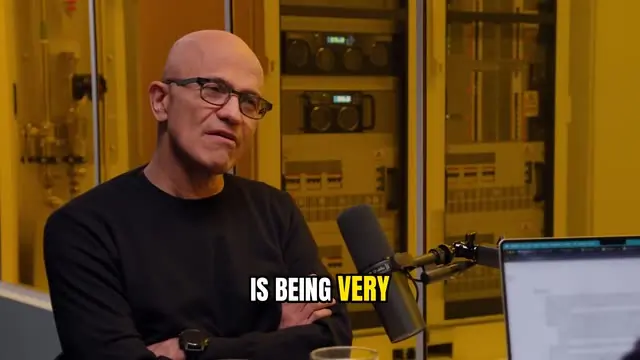
Your podcast clips come back ranked best first, each with a score out of 100 and a one-line reason it works on its own. These are the top 3 of 6 from one 33:35 conversation filmed with one fixed camera, with both people stacked in the vertical frame.
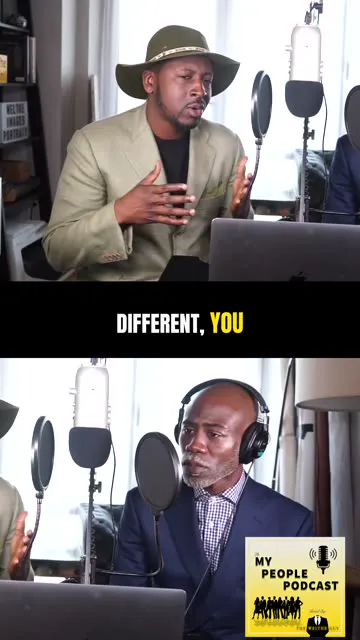
Starts at 28:36 of 33:35
Explains the difference between machine-made and handmade suits with a piano analogy for music producers.
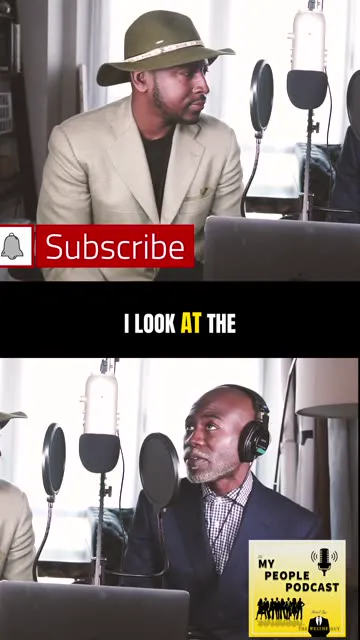
Starts at 13:40 of 33:35
Shows how checking Instagram analytics every day led to a line of women’s suits.
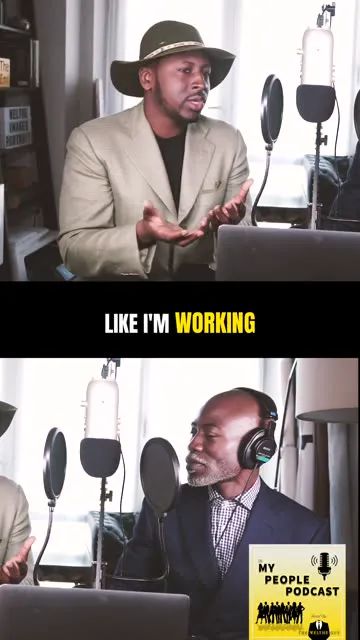
Starts at 12:31 of 33:35
Explains how five years in corporate work taught the numbers skills used to price and run a business.
Scores compare clips within the same episode.
Source: The WELTHE Guy, My People Podcast, Episode 1, “How I Started A Successful Clothing Business”, licensed under CC BY 3.0. The clips were cut, reframed to 9:16 and captioned with Pogclip.
When one person is on screen, Pogclip frames that speaker, and when two people share one shot, it stacks them one above the other. With more people, it frames whoever is talking or keeps the wider shot, and you can change any framing in the editor.
We built our rules around what makes a clip stand on its own, and it comes down to three things. The moment makes sense to someone who never heard the rest of the episode. The cut starts at the beginning of a thought and ends when that thought finishes. And the listener takes something clear away from it.
Here is how to clip a podcast from an MP4 file or a YouTube link in three steps.
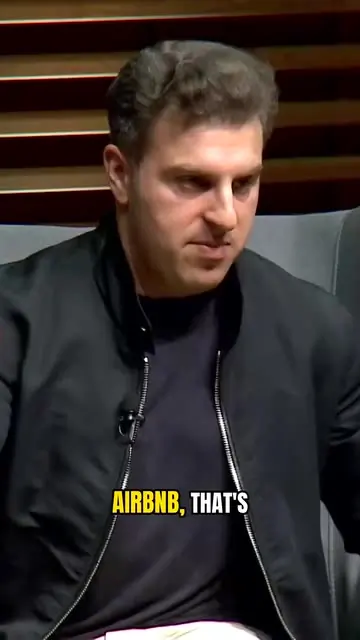
Choose the episode as an MP4 up to 2 hours, or paste its YouTube link. Set a start and end time if you only want part of it.
Pogclip reads the whole conversation and returns the answers and stories that still make sense without the rest of the episode, best first, each with a score and a reason.
Correct names and terms in the captions, choose the sizes you post in, and download the clips.
Episode already on YouTube? Paste the link into the YouTube video clipper. Recording runs longer than an hour? See how long video to shorts works.
Pogclip is a podcast clip maker built to find full thoughts, not a highlight reel of loud or busy seconds. It returns your strongest standalone moments best first, each with an overall score out of 100, Hook, Flow and Value ratings, and a one-line reason for the pick.
Every clip exports in 9:16, 4:5, 1:1 and 16:9 at once. The video resizer explains each size.
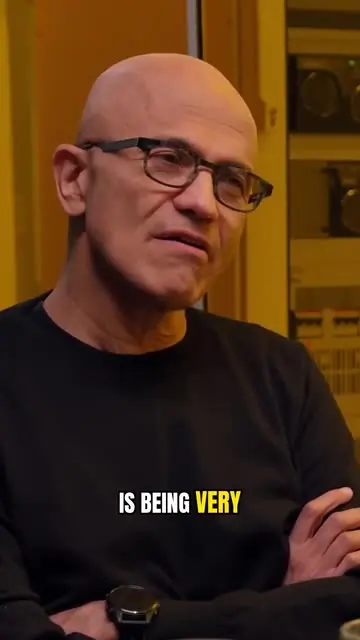
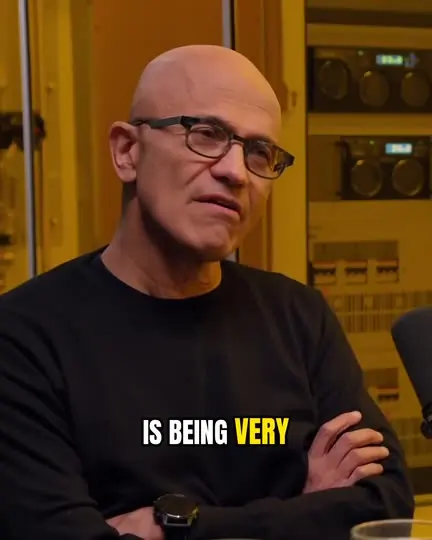
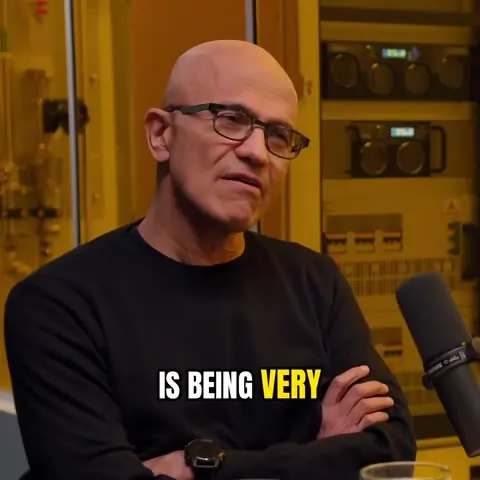
Guest names, company names and accents are where automatic captions slip. Click any word to correct it, choose one of four caption styles, and the fix carries to every size. Download the captions as SRT, VTT or TXT for show notes and transcripts. See how the word-by-word captions are made and checked.
Clear voices and one person talking at a time give the best picks and the cleanest captions.
Up to 2 hours and 10 GB, as an MP4 or a YouTube link. A full two-hour episode costs 120 credits, so Creator’s 300 monthly credits cover about two and a half of those a month.
You use 1 credit per minute of the part you choose, rounded up. The 33:35 episode above costs 34 credits, which fits inside the 60 credits you get every month on the Free plan. A 76:55 interview costs 77 credits, and Creator gives you 300 credits a month.
Not yet. For an audio show, export the episode as an MP4 with a still image or a waveform as the picture first.
Yes. Pogclip is a podcast clip generator built on the transcript, so every clip’s captions come from the same words it picked the clip from. Edit them in the browser and download them as SRT, VTT or TXT files.
There’s no set number of podcast clips: Pogclip never pads your list and only returns moments that make sense without the rest of the episode. The 33:35 episode above returned 6 clips, while a 76:55 interview returned 3.
On Auto, each clip runs as long as the thought takes: the 6 clips from the 33:35 episode ran from 54 to 96 seconds. If you want a set length, choose under 30 seconds, 30 to 60 seconds or 60 to 90 seconds before processing.
Yes. Tell the AI what to change in a plain sentence, or adjust the start, end, captions and framing by hand.
No. You download the finished clips and post them to your own accounts.
Yes. The Free plan gives you 60 credits every month with no card needed. Exports carry a watermark, and you can run one export at a time.
Start with 60 free credits every month. No card needed.
Not a podcast? See the AI clip maker