





YouTube video clipper: paste a link, get scored shorts
Paste a public YouTube link and our YouTube video clipper reads the full transcript, picks the moments that stand on their own, and scores every clip out of 100. You get speaker-framed clips with word-by-word captions, ready for your review.

What one real YouTube link returned
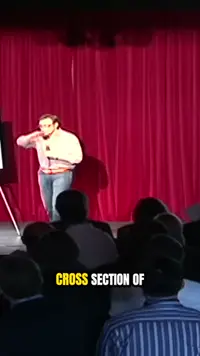
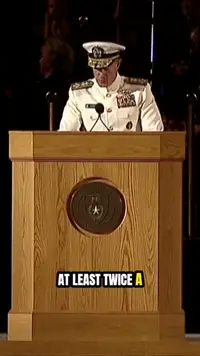
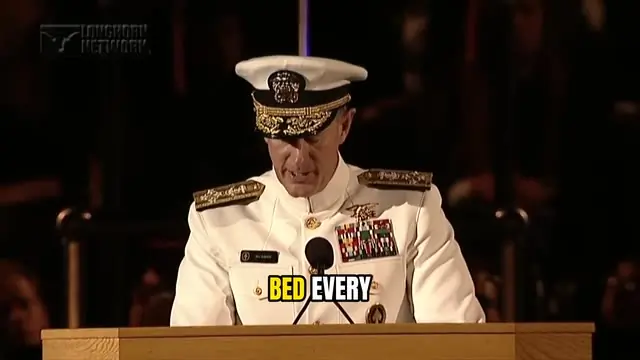
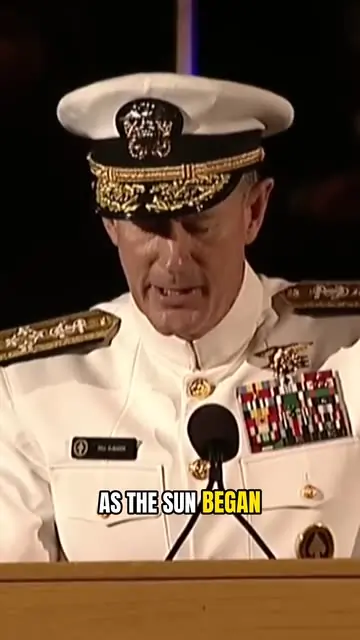
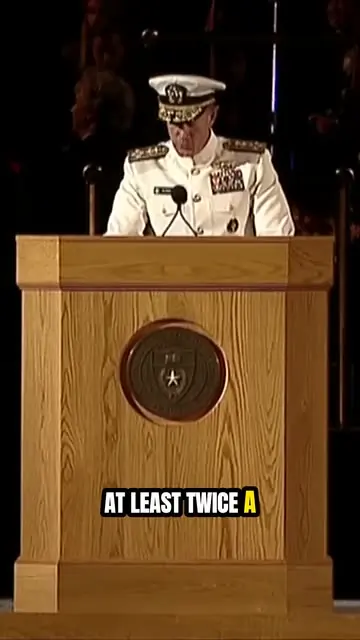
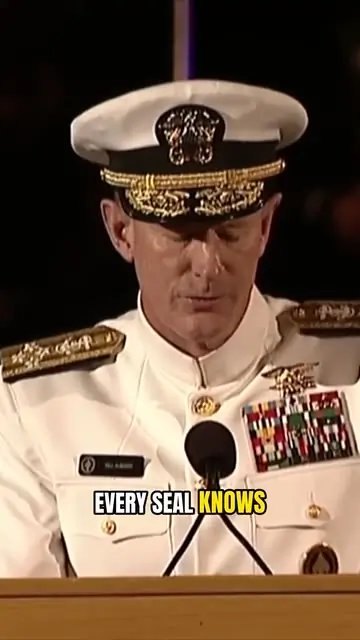
To show you what to expect, we pasted the link to “Admiral McRaven addresses the University of Texas at Austin Class of 2014” from the channel “The University of Texas at Austin” (19 minutes 27 seconds long) into the live YouTube video clipper on Auto length.
 SCORE95
#1
Make Your Bed Every Morning
A simple SEAL training ritual becomes a practical lesson about small wins and doing little things right.
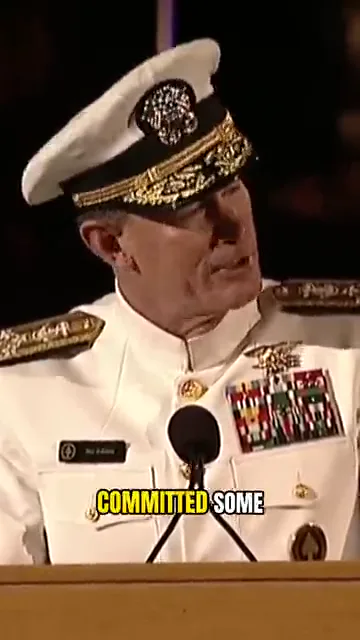 SCORE92
#2
Singing in the Mud During Hell Week
A moving story of one off-key voice lifting a freezing class, ending on the power of hope.
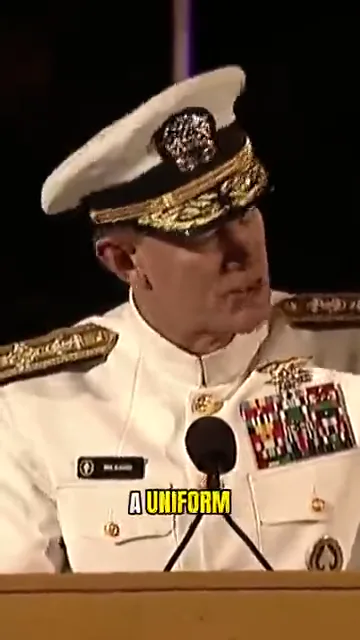 SCORE88
#3
Get Over Being a Sugar Cookie
A uniform inspection nobody can pass shows that you sometimes fail however well you prepare, and have to keep moving forward.
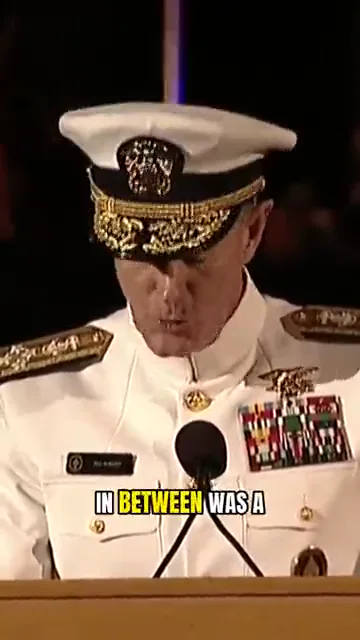 SCORE84
#4
Breaking the Record Head First
A student risks a dangerous headfirst slide and breaks a long-standing obstacle course record.
Notice two things about these results. First, a 19-minute speech returned 8 clips out of a possible 12, and these are the top 4. It stopped at 8 because Pogclip only returns moments that stand on their own rather than filling a quota. Second, the speech’s best-known line, “If you want to change the world, start off by making your bed,” landed inside clip 1, which ranked first at 95, even though Pogclip was not told to look for it.
The YouTube clip maker works this way on any public talk you paste, reading the complete transcript before choosing where to cut.
Which YouTube links work
Pogclip works on videos with speech in English, Spanish, Portuguese, French, German and Italian. Music videos and performances, live gameplay streams, esports, sports footage and videos without speech are not a good fit right now.
You can paste a link to a single public video up to 2 hours long, and please only clip videos you own or have permission to use. A YouTube Shorts link also works, though Pogclip is built for long videos, so a Short rarely has more than one moment.
Some links cannot be imported. When a link fails, the page tells you why:
- Private video
This video is private. Choose a public YouTube video.
- Members-only video
Members-only videos cannot be imported. Choose a public video.
- Live or upcoming stream
Live or upcoming streams cannot be imported. Wait for the finished video.
- Playlist
Playlists are not supported. Paste a link to one video without a playlist.
- Age or region restricted
This video has age or region restrictions and cannot be imported.
- A channel, page or another website
Paste a link to a YouTube video, not a channel, page or another website.
- Anything else that fails
This video could not be checked or downloaded. Try another public video or upload an MP4.
- Longer than 2 hoursVideos over the two-hour limit cannot be imported.
One practical catch: a link copied while watching inside a playlist contains “&list=” and is treated as a playlist. Remove the “&list=” part and anything after it, then paste the link again.
Paste a 19:27 talk and the link is checked in about 6 seconds; clips are ready about 3 minutes after the project is created, at 20 credits: one per minute of video, rounded up, the same as everywhere else on the site. Longer recordings take longer than that, and the two-hour limit applies to links as much as to uploads. A link that cannot be imported is stopped before anything starts, so it uses no credits.
What comes back with each clip
Every clip comes back with an overall score out of 100 and a plain one-line reason explaining why that moment was picked (our article on how a clip gets scored breaks down the ratings in full). The video is framed on the person speaking and paired with word-by-word captions in one of four styles. Fix any word, burn the captions in or download SRT, VTT or TXT, and export every clip in 9:16, 4:5, 1:1 and 16:9 at once. Every clip is a suggestion: trim it, reframe it or skip it. Pogclip never posts for you.

A score and a reason for every clip
Each clip is scored for hook, flow and value, with one line on why it was picked, so you start with the strongest.
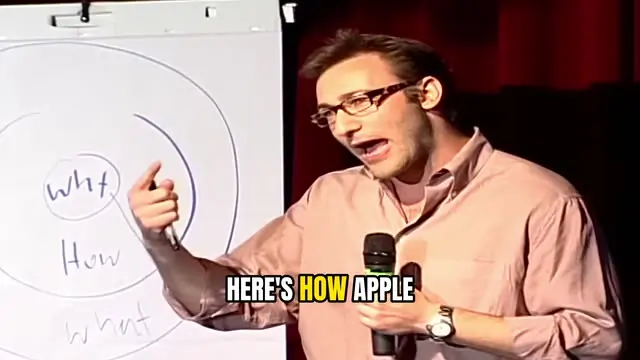
Vertical framing that follows the speaker
Clips come out 9:16 with the person talking kept in frame, instead of a fixed center crop of the widescreen video.
Captions you can edit word by word
Fix any word, pick one of four caption styles, and download the captions as SRT, VTT or TXT.



One export, four sizes
Get each clip as 9:16 for TikTok, Reels and Shorts, 4:5 for Instagram and Facebook, 1:1 for LinkedIn and X, and 16:9 for YouTube.
Setting your own start and end with the YouTube clipper
You can set your own start and end times with this YouTube clipper in two places: before processing and after the clips come back.
After you paste a link and it passes the check, you can choose “Process this range” to work on only one part of the video. The shortest range is one minute, and credits are charged only for the minutes in that range, at one credit per minute, rounded up. In the same step, you choose a clip length: Auto, under 30 seconds, 30 to 60 seconds, or 60 to 90 seconds.
Once your clips are ready, open the editor and drag the start and the end of any clip anywhere in the whole original video, not only inside the part the AI picked. So if the exact moment you want was not picked, take the nearest clip and drag it over to that moment.
From there, you export as usual. Every clip exports in all four aspect ratios at once, with or without burned-in captions.
If you came looking for a YouTube video cutter that hands you a file instantly, this isn’t it. The video is processed first, which takes a few minutes, and you cannot skip that step to download straight from YouTube. It also does not give you the original-quality or 4K file.
How to turn a YouTube video into Shorts
Paste the link
Copy the link to any public YouTube video up to 2 hours long that you own or have permission to use, or upload an MP4 file up to 10 GB.
See what it picked and why
To turn your YouTube video into Shorts, Pogclip reads the full transcript and returns between zero and twelve standalone clips, each with a score out of 100 and a one-line reason.
Fix captions and export
Trim the timing, adjust the speaker framing, or correct any word in the captions across four styles. Export your favorites in all four aspect ratios at once, plus SRT, VTT or TXT caption files.
What a YouTube clipper AI does that a downloader doesn’t
A YouTube clipper AI reads the full transcript, finds the moments that stand on their own, scores each clip out of 100 and gives a one-line reason it was picked. Instead of facing one long file, you start from a ranked list of clip suggestions. The final cut is still yours: the list suggests, you decide what to export.
A standard YouTube downloader hands you one large video file. If you only need the raw file for a video you made, YouTube Studio already lets you download your own videos directly.
Either way, a downloaded file leaves you at square one. You still have to watch the whole talk, find the moments that work out of context, crop the frame around the speaker and type out the captions yourself.
The YouTube video clipper skips that step and does the selection work first. Because it also frames the speaker and writes the captions while it processes, you start with finished drafts instead of a blank timeline.
Frequently asked questions
Do I need to download the video first?
No, you can paste a public YouTube link directly without downloading the file first. If you already have the video saved, or a link cannot be checked, you can upload an MP4 file up to 10 GB instead.
How long can the video be?
Up to 2 hours, whether you paste a YouTube link or upload an MP4. An uploaded file can be up to 10 GB.
What happens if my link doesn’t work?
The page shows you the exact reason, such as a private video, a live stream, or an extra “&list=” playlist part in the link. Remove the playlist part, choose another public video, or upload your own MP4 instead.
Can I edit the captions, and which files can I export?
Yes. Fix any word in the word-by-word captions and switch between four caption styles before exporting. Every export is an MP4; captions can be burned in or downloaded separately as SRT, VTT or TXT.
Which languages does it support?
The YouTube video clipper works with speech in English, Spanish, Portuguese, French, German and Italian. You choose the language before it starts. Videos without speech are not a good fit.
Can I pick exactly where a clip starts and ends?
Yes. You can choose a specific time range to process after pasting your link, or drag the start and end of any clip to any point in the original video inside the editor. Because the video is processed first rather than cut on the spot, clips take a few minutes to appear.
What do I get at the end?
Depending on what your video holds, anywhere from zero to twelve scored clips, framed on the speaker with editable word-by-word captions. Every clip you keep exports in 9:16, 4:5, 1:1 and 16:9 at once, with optional SRT, VTT and TXT caption files.
Turn your next YouTube video into clips
Paste a public YouTube link you have permission to use and see which moments score highest.
Starting from a file? Use the video clipper for any file